 Jerkify AI
如何将 AI 图片转为有声视频
2026年9月22日 · 阅读约 7 分钟
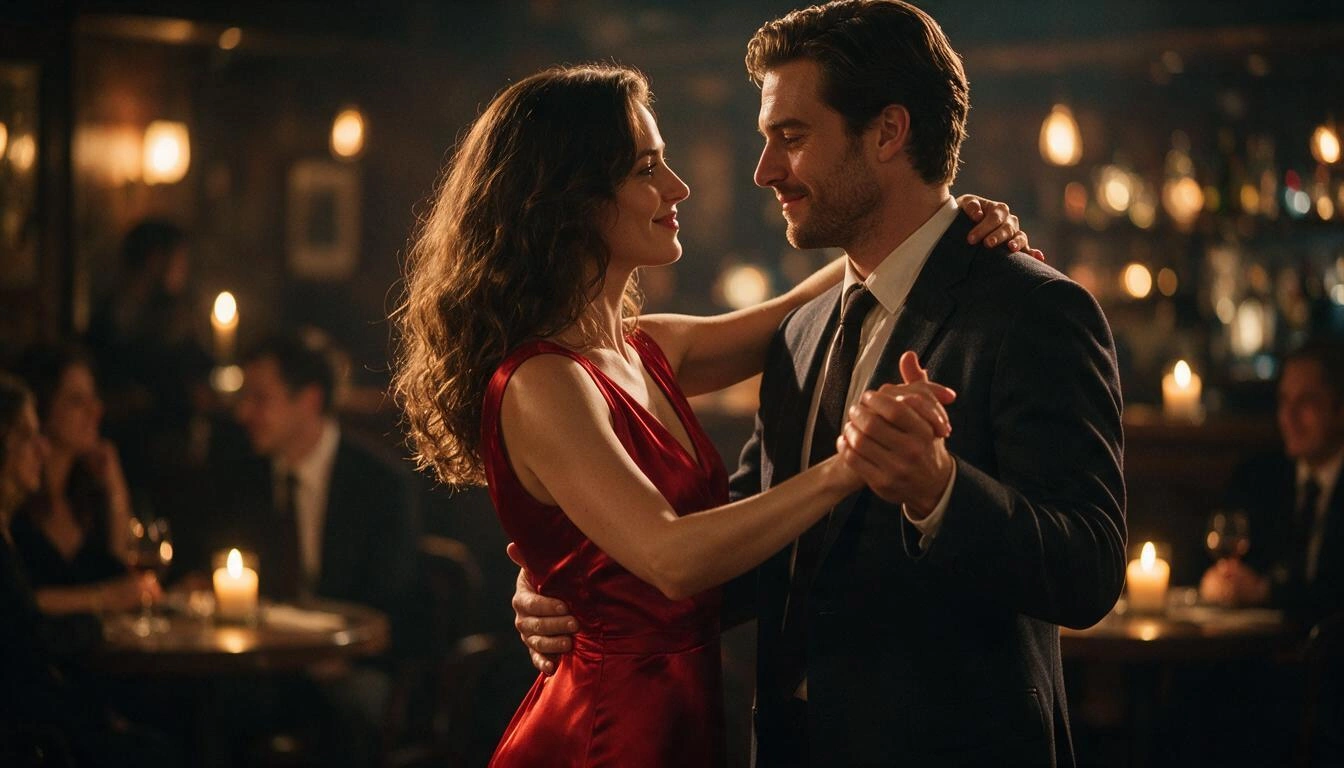
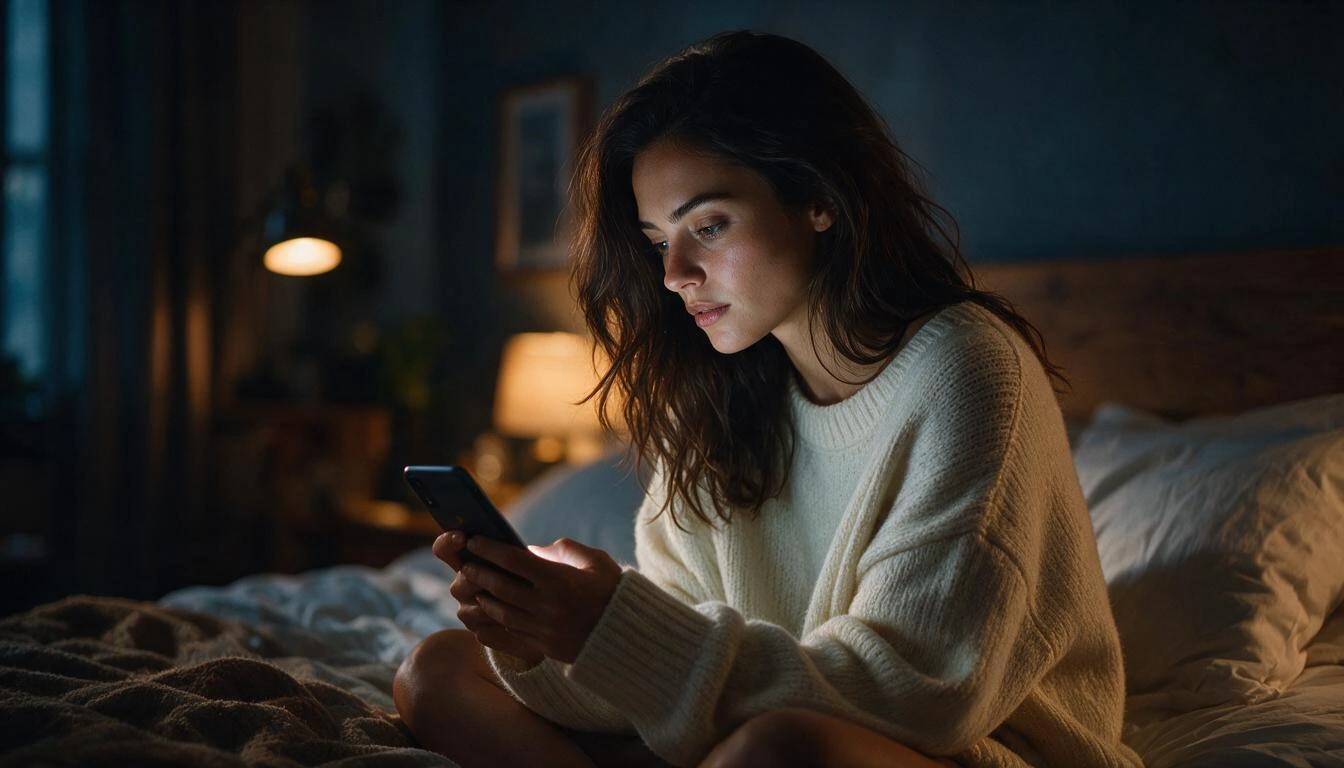
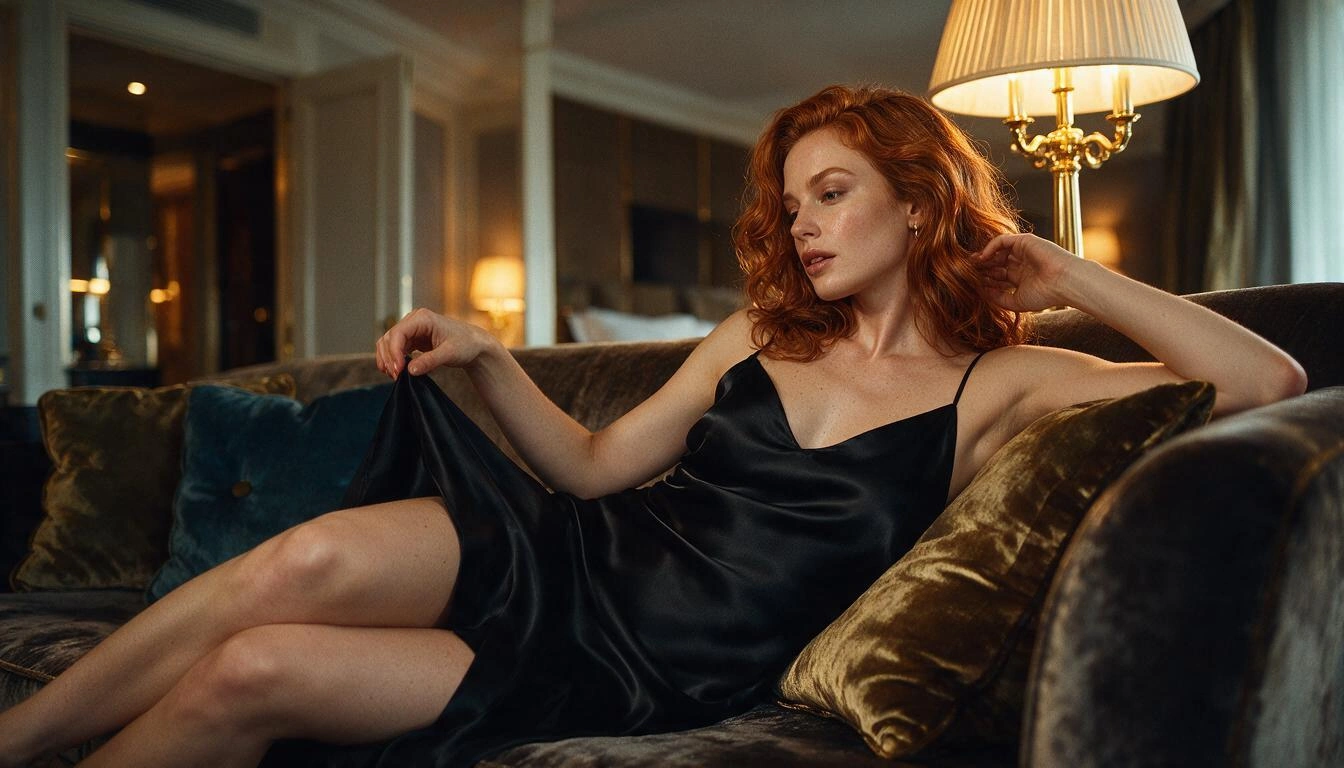
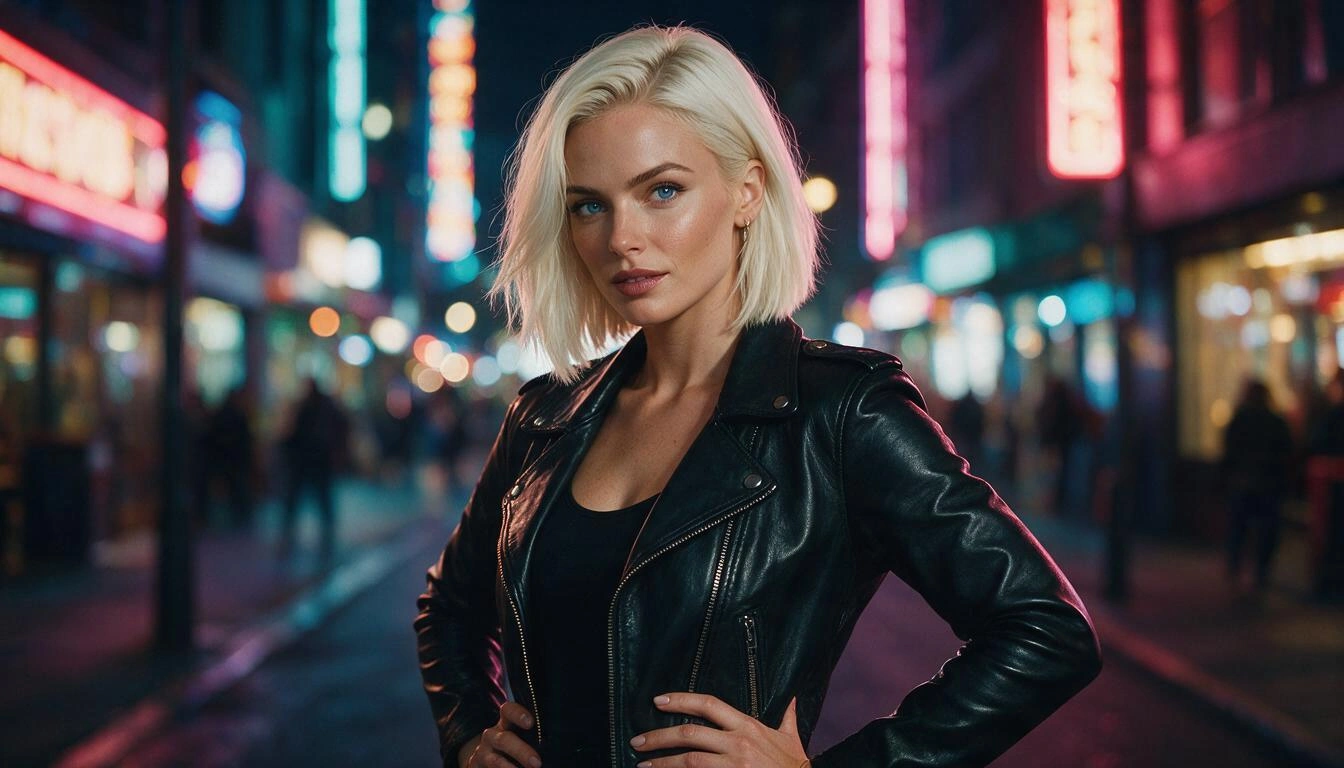
静态图片只是故事的一半。Jerkify 的视频引擎可以为您创作的任何图片制作动画——或从文本提示词开始——其中多个引擎还会生成与动作匹配的声音。以下是制作流畅、逼真视频的方法。
创建视频的三种方式
- From text: describe the shot. Engines that need a starting picture create one for you first.
- From a first frame: hover any image you made and press Animate. It opens the Video studio with that image loaded and your original prompt filled in.
- From a first and last frame: give the start and end image and the engine fills in the motion between them.
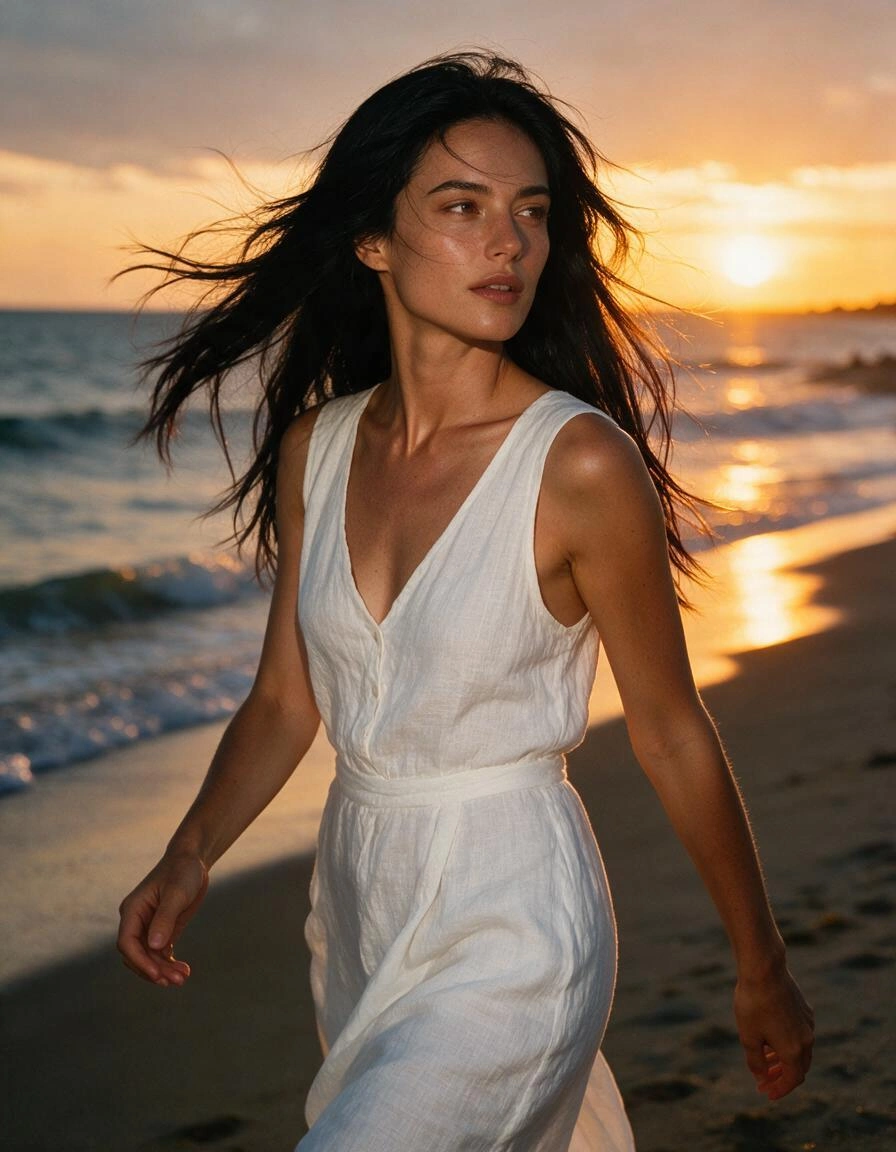
写动作,而不是写外观
图片已经展示了画面的样子。视频提示词应描述变化的部分:按顺序写出动作,再加上镜头运动和声音。
动作提示词
She walks slowly toward the camera along the waterline, wind lifting her hair, then turns to look over her shoulder. Slow tracking shot. Sound of waves and wind.
- One action per few seconds reads better than five actions crammed together.
- Name the camera move: slow push-in, tracking shot, static close-up, orbit.
- Describe sounds that match the action: breathing, music, rain, footsteps, voices.
时长、分辨率与价格
视频按画面秒数计费,因此短时测试花费很少。先用 3–5 秒和 480p 调好动作,再以更高分辨率重新生成您最满意的版本。每个引擎在生成前都会显示其价格、速度以及是否包含声音。
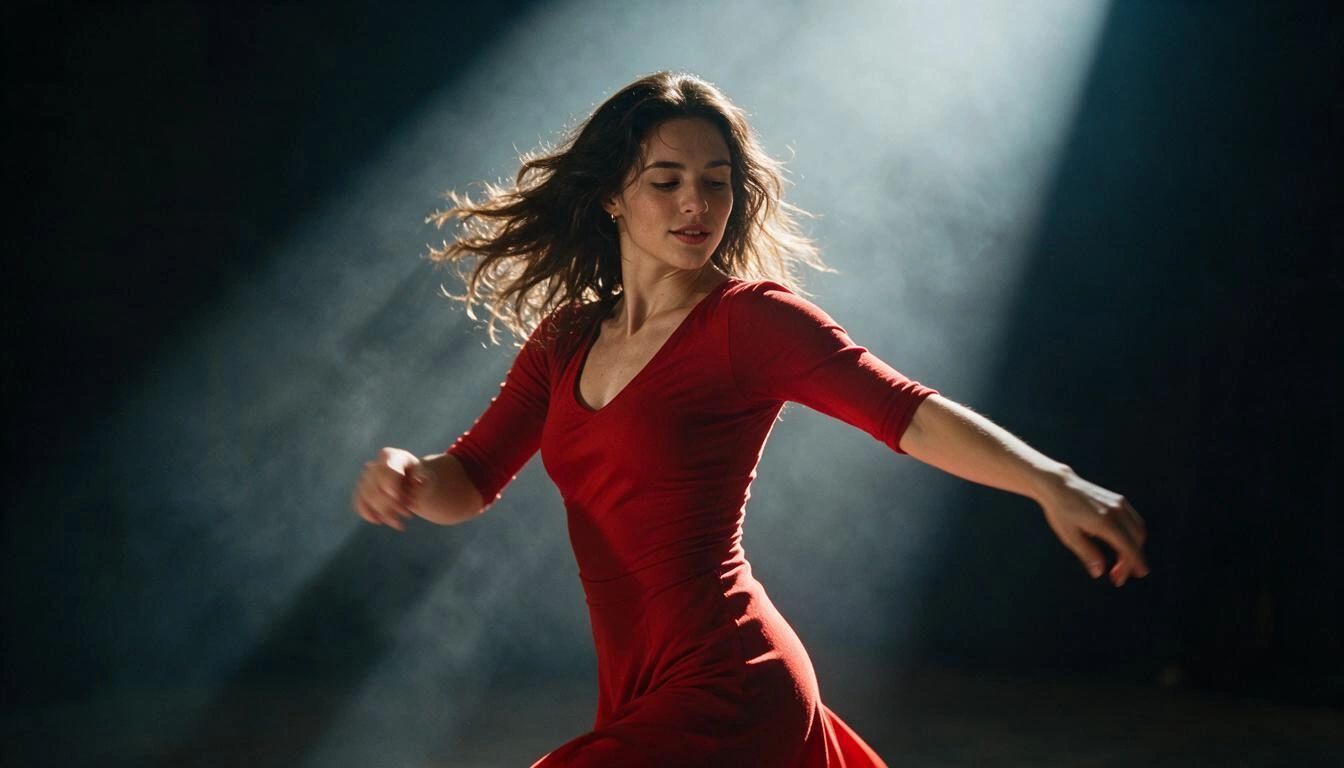
让您的图片动起来,并配上声音。
打开视频工作室常见问题
可以。Jerkify 的多款视频引擎可随视频片段一同生成音频——引擎列表中会标注哪些包含声音。
取决于引擎;大多数支持每段几秒到约 10–20 秒,分辨率为 480p 至 1080p。
将鼠标悬停在图片上(移动端请轻点),然后点击“制作动画”。视频工作室将打开,并将其设为首帧。
视频按秒计费,开始前“生成”按钮上会显示确切费用。