
How to change an outfit, pose or background with an AI image editor
November 17, 2026 · 6 min read
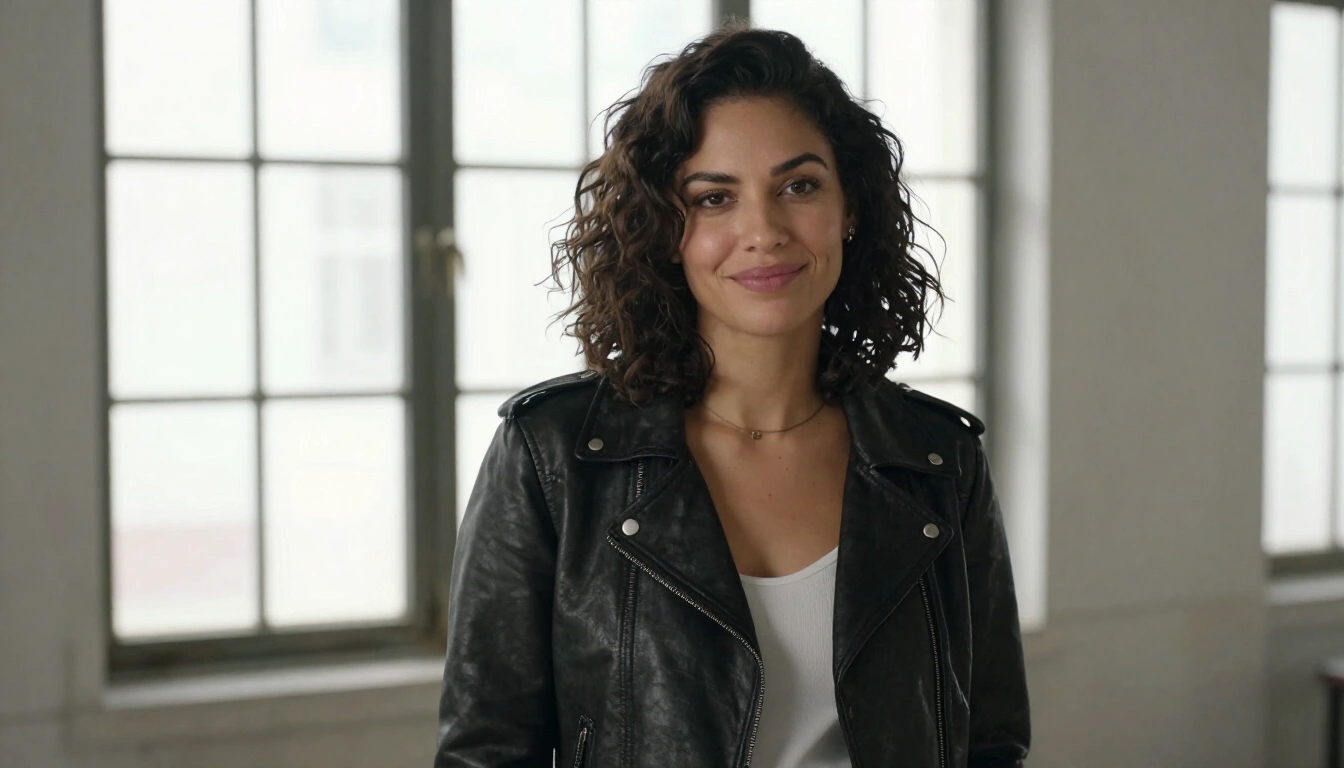
You've made an image you love, but the jacket is wrong, or the room, or the light. Regenerating from scratch would change her face. Edit changes only the part you name and keeps everything else, so the same character can wear a new outfit, strike a new pose or move to a new place.

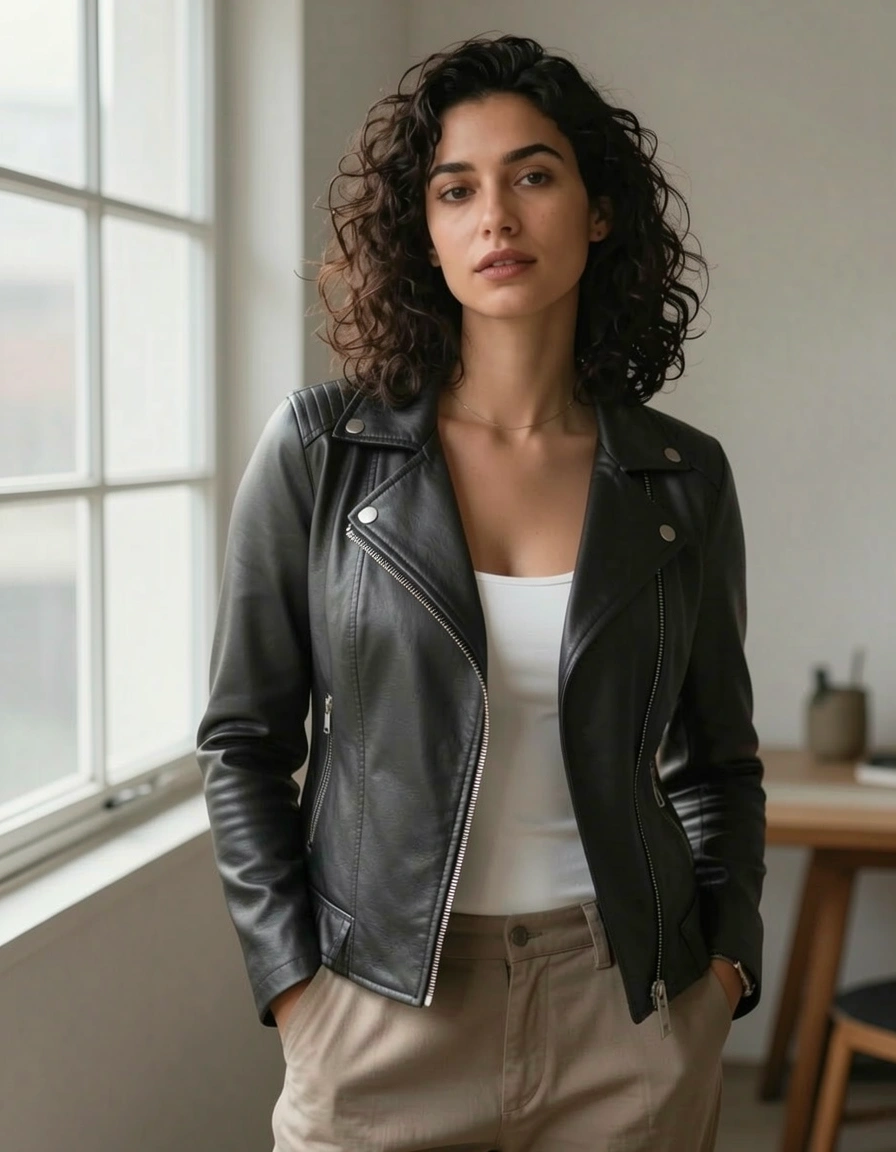
Say what to keep, then what to change
Edit engines follow short, specific instructions best. Name the change, and name what must stay the same. One clear sentence beats a paragraph.
Edit prompt
Change her white linen shirt to a fitted black leather jacket over a white top. Keep her face, curly hair, pose, background and lighting exactly the same.
- Outfits: name the garment, colour and material, such as a red satin dress or black lace lingerie.
- Background: describe the new place and its light, such as a hotel balcony at sunset.
- Lighting: warm candlelight, cool moonlight from a window, soft studio light.
- Pose: use the pose presets in Edit for reliable results, or describe a simple change like looking over her shoulder.
Pick the right Edit engine
Every engine in Edit shows its price and speed in the model picker. The default, Seedream 5.5, gives the most realistic edits and is best at keeping the face and pose. FLUX.2 Klein is the fastest and cheapest, great for quick outfit and background tests. Qwen Image Edit Plus understands layout well and accepts a second reference image, for example an outfit you want copied.
Turn on Enhance for better wording
With Enhance prompt on, your instruction is rewritten in the format the engine follows best, keeping every change you asked for. You see the rewrite first and can edit it before you confirm.
What you can edit
Edit works on images you created on Jerkify, and you confirm you have the rights before each edit. Real photos of real people can't be uploaded or edited: everyone in your images must be a fictional adult.
Open one of your images in Edit and change the outfit with a sentence.
Open the Edit studioFrequently asked questions
Edit is built to change only what you name. Saying what to keep, such as her face, hair and pose, in the prompt helps the engine keep it.
Seedream 5.5, the default in Edit. It is our most realistic editor and is best at keeping the face and pose. FLUX.2 Klein is the fastest and cheapest.
No. Edit works on images you generated on Jerkify, and real or identifiable people aren't allowed.
Each engine shows its price in the model picker and on the Generate button before you start. Failed generations are refunded.